An online tasbeeh counter lets you count dhikr free from a phone, tablet, or computer. Open the counter, choose or name your dhikr, set a target if you want one, and tap once for each recitation. There are no prayer beads to carry and no paper tally to lose.
This guide is for Muslims in India, Pakistan, Bangladesh, the UK, and elsewhere who want a simple counting aid. You may spell it tasbeeh or tasbih, and you may call remembrance dhikr or zikr; the purpose is the same. The tool records a number, while you recite attentively for the sake of Allah.
Quick answer: Start in the browser for immediate counting. For regular sessions, the free Tasbeeh Counter app adds saved counters, targets, feedback settings, and history on your device.
Contents
- [What is an online tasbeeh counter?](#what-is-an-online-tasbeeh-counter)
- [How do you count dhikr with an online counter?](#how-do-you-count-dhikr-with-an-online-counter)
- [Why use it instead of beads?](#why-use-a-tasbeeh-counter-online-instead-of-beads)
- [Can it count any zikr?](#can-you-use-a-dhikr-counter-online-for-any-zikr)
- [What should you check?](#what-should-you-check-before-choosing-an-online-counter)
- [A simple daily routine](#a-simple-daily-dhikr-routine)
- [FAQ](#frequently-asked-questions)
What is an online tasbeeh counter?
An online tasbeeh counter is a digital tally tool that adds one count each time you tap or click. It runs in a web browser, so you can begin on a mobile phone, tablet, laptop, or desktop without first finding a physical misbaha. A clear display shows the current total, while optional targets help you organise a set number of repetitions. Some counters also remember rounds or let you correct an accidental tap. “Tasbeeh counter online,” “tasbih counter online,” and “dhikr counter online” usually describe the same basic tool. It does not perform the remembrance for you and it does not decide which words are prescribed. You still say each phrase yourself, with sincere intention and attention. Think of the counter as a quiet assistant: it keeps the number so your mind can remain with the meaning of the words you are reciting.
Allah tells believers to remember Him often and glorify Him morning and evening (Quran 33:41–42). A counter can support that practice, but the screen is only a convenience. The worship is the dhikr itself.
If you are new to digital counting, read the full guide on how to use a tasbeeh counter.
How do you count dhikr with an online counter?
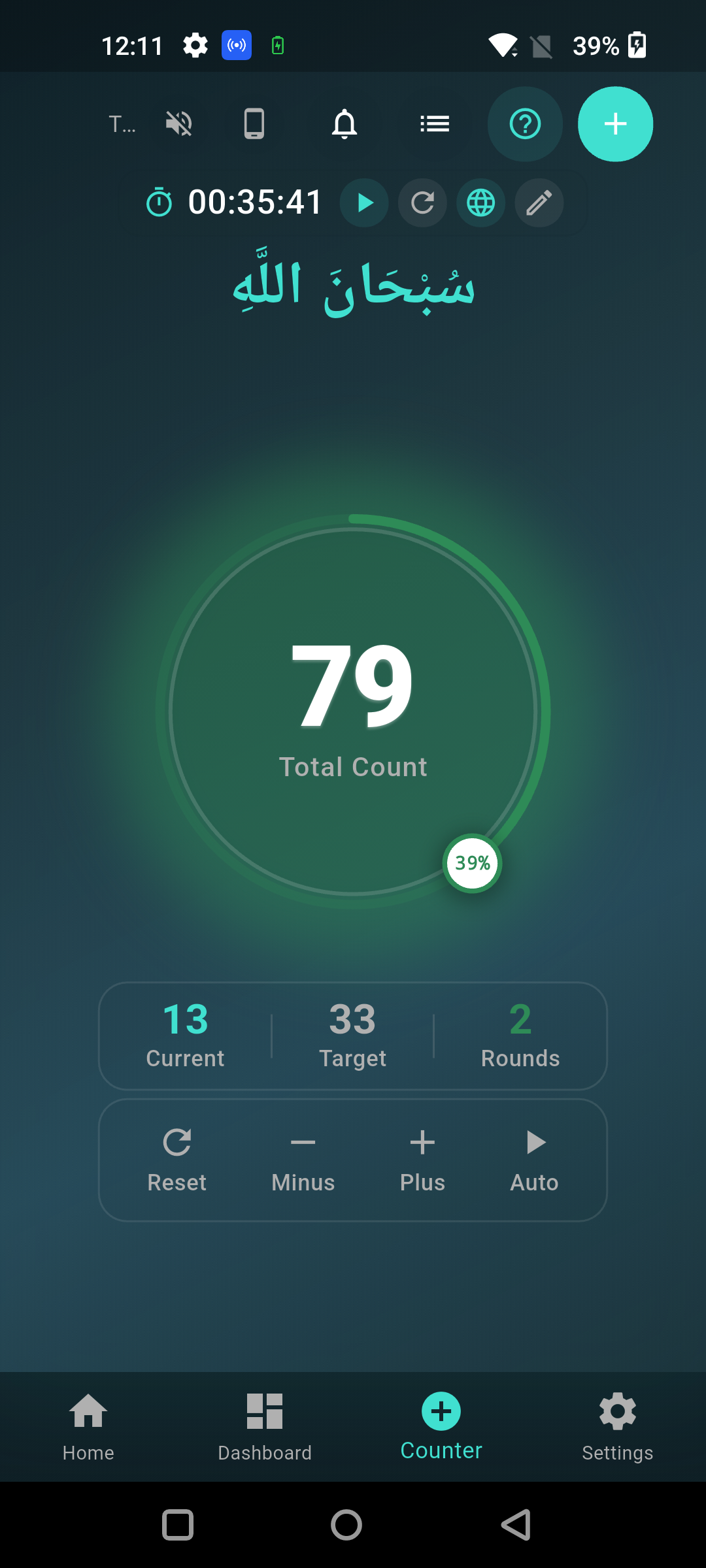
Open the counter, select your dhikr, set an optional target, and tap once after every complete recitation. Begin by deciding what you will say and checking its wording and source. Place the device where you can tap comfortably without rushing. If you set a target such as 33 or 100, treat it as a counting aid rather than a reason to race. Say the phrase clearly, understand its meaning as well as you can, then make one deliberate tap. Watch the total only when needed. If you tap twice by mistake, use a minus or correction control when available; otherwise restart or remember the one-count difference. At the end, pause instead of immediately opening another app. This simple method works in Chrome, Safari, Edge, and other modern browsers, although the exact buttons can differ. For ongoing use, a dedicated app can keep named sessions and history together.
Use this five-step checklist:
- Choose an authentic dhikr and know what it means.
- Open the counter and reset any old total.
- Name the session and choose a target if needed.
- Recite once, then tap once.
- Review the total and finish calmly.
For ideas grounded in reliable sources, see what to say when counting tasbih.
Why use a tasbeeh counter online instead of beads?
Use a tasbeeh counter online when quick access, a large display, or saved progress makes dhikr easier for you. A browser counter is useful at a desk, while travelling, or when you do not have a misbaha with you. It can reduce mental effort during longer counts and makes a target visible. A physical tasbih needs no battery, opens no notifications, and may feel more natural in the hand. Counting on the fingers is also portable and has a basis in the Sunnah: Abdullah ibn Amr reported seeing the Prophet Muhammad ﷺ counting glorifications with his hand (Sunan Abi Dawud 1502, graded sahih by Al-Albani). None of these methods makes the dhikr automatically better. Choose the method that helps you stay accurate and attentive without distracting you. If a screen pulls your attention toward messages, use focus mode, silence notifications, or count on your fingers instead.
| Method | Best for | Main limitation |
|---|---|---|
| Browser counter | Immediate access on almost any device | A closed tab may lose an unsaved count |
| Free counter app | Repeat routines, named counters, targets, and history | Requires installation and a charged device |
| Physical misbaha | Tactile counting without a screen | Can be forgotten or misplaced |
| Fingers | No tool needed; discreet and always available | Longer totals may need extra concentration |
Learn the manual method in how to count tasbeeh on fingers, or compare a digital app with a physical counter.
Can you use a dhikr counter online for any zikr?
You can use a dhikr counter online for any lawful remembrance that you need to count, but the tool does not make an unsupported phrase or fixed number authentic. It can tally familiar adhkar, personal practice, or a teacher’s recommended routine, provided the words and method are Islamically sound. Keep a distinction between counts established in the Quran or authentic Sunnah and voluntary remembrance without a claimed special reward or prescribed number. For example, Sahih Muslim 597a records the well-known words after the obligatory prayer: 33 praises of Allah, 33 declarations of His greatness, and 33 glorifications, completed with the statement of tawhid to make 100. Other authentic narrations contain related forms, so follow a reliable source or knowledgeable scholar when choosing a specific post-prayer practice. The online counter only prevents losing your place. It should never be treated as religious authority, a source of rulings, or proof that a particular count has special merit.
Useful counter names are short and clear: “Morning dhikr,” “Subhan Allah,” or “Salawat.” When a prescribed count matters, add it as the target. For open-ended zikr, leave the target flexible and focus on consistency.
What should you check before choosing an online counter?
Choose an online counter that is simple, readable, easy to correct, and respectful of your privacy and attention. The main count should be visible without small text or confusing menus. Look for reset and minus controls, an optional target, and feedback that you can turn off. A good counter should work comfortably with one hand and should not place intrusive ads beside sacred words. If you plan to use it on public transport in Karachi, Dhaka, Delhi, Birmingham, or anywhere with uneven mobile data, check whether the installed app can retain your personal counters locally. Also check what happens when the tab closes, because browser storage and app storage are not always the same. Sound and vibration should be choices, not requirements. Most importantly, the tool should help you remember Allah rather than turn worship into a score, streak, or competition with other people.
Before settling on a tool, test these points:
- Can you add, subtract, and reset without confusion?
- Can you choose a target such as 33, 99, or 100?
- Can you turn tap sounds and vibration on or off?
- Is the display easy to read in bright and dark places?
- Does it preserve the sessions or history you actually need?
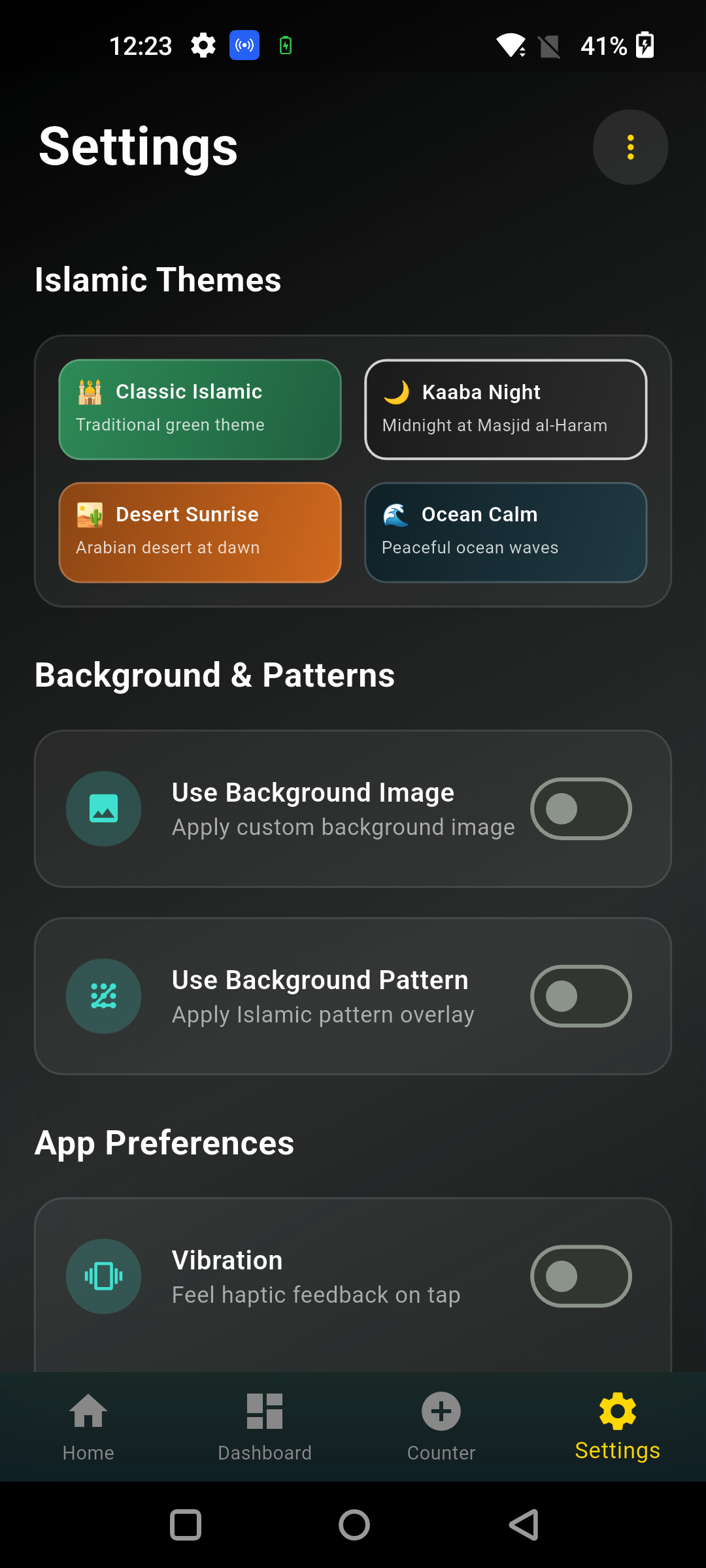
The free Tasbeeh Counter app supports named counters, custom targets, completed rounds, session history, themes, and optional sound or haptic feedback. It also includes Urdu interface support alongside other available languages.
A simple daily dhikr routine
Consistency can be more helpful than an ambitious plan that you abandon. Allah says, “Surely in the remembrance of Allah do hearts find comfort” (Quran 13:28). Start with an authentic morning, evening, or post-prayer dhikr you already know. Attach it to a stable point in your day, open one named counter, and keep the device in focus mode.
Try this practical routine:
- Pick one established time, such as after Fajr or before sleep.
- Read the meaning and source of the dhikr.
- Set the prescribed count only when the source specifies one.
- Recite without racing, tapping once per complete phrase.
- Close the session with a short moment of reflection.
Need your counters available beyond a browser tab? Download the free Tasbeeh Counter app for a focused way to count tasbeeh, tasbih, dhikr, and zikr. The free app download guide explains the steps and features.
Frequently Asked Questions
Is the online tasbeeh counter free?
Yes. You can use the Tasbeeh Counter website as a free counting tool and follow its download option for the free app. Your mobile network or internet provider may still charge for data, so use Wi-Fi if data cost is a concern.
Do I need to install anything to count online?
No. A browser-based counter can be used without installing an app. Open it in a current browser and start tapping. Install the app if you want a dedicated experience with features such as named sessions, custom targets, history, themes, and optional feedback.
Is tasbih different from tasbeeh?
In this context, tasbih and tasbeeh are two common English spellings of the same Arabic term. Searchers in different countries may prefer one spelling, but both commonly refer to glorifying Allah and to the beads or counter used to keep count.
Can I use an online counter after salah?
Yes, a counter can help you keep track of authentic post-salah adhkar. The counter is only a tally aid. Learn the prescribed wording and numbers from reliable Quran and hadith sources, and avoid assuming that every popular phrase or count is established.
Will my count remain if I close the browser?
That depends on how the website saves data and on your browser settings. Private browsing, cleared site data, or changing devices may remove a web count. For repeat routines, use a named session in the app and check that it saved before leaving.
An online counter makes the number easier to manage; sincere, attentive remembrance remains the aim. Start free in your browser, or get the free Tasbeeh Counter app when you want saved sessions and a dedicated counting space.