Some of the best moments for dhikr — a walk, a commute, waiting in line — aren't moments where you want to be staring at your phone screen. Volume-button counting solves this by letting your phone's physical buttons act as a tasbeeh counter while it stays in your pocket. This guide covers how it works and when it's genuinely useful.
What Is Volume-Button Dhikr Counting?
Volume-button dhikr counting is a feature in some counter apps that lets you increment your dhikr count by pressing your phone's physical volume up or down button, instead of tapping a button on the screen — meaning you can count without even looking at your phone.
This turns your phone into a discreet clicker, similar to a mechanical tally counter, but built into a device you're already carrying. The count still saves and tracks the same way it would with on-screen taps.
When Is Volume-Button Counting Actually Useful?
Volume-button counting is most useful in situations where pulling out your phone and looking at the screen isn't practical or comfortable — walking outdoors, commuting on public transport, sitting in a meeting, or any moment where you want to count discreetly with your phone still in your pocket or bag.
- Walking or commuting: Press the volume button through your pocket without breaking stride or needing to hold your phone up.
- In public or professional settings: Count discreetly without it being obvious you're using your phone.
- While your hands are otherwise busy: Holding a child, carrying groceries, or doing light tasks where a screen tap isn't convenient.
- To reduce screen time during dhikr: Some people prefer not looking at a bright screen while trying to stay focused on remembrance.
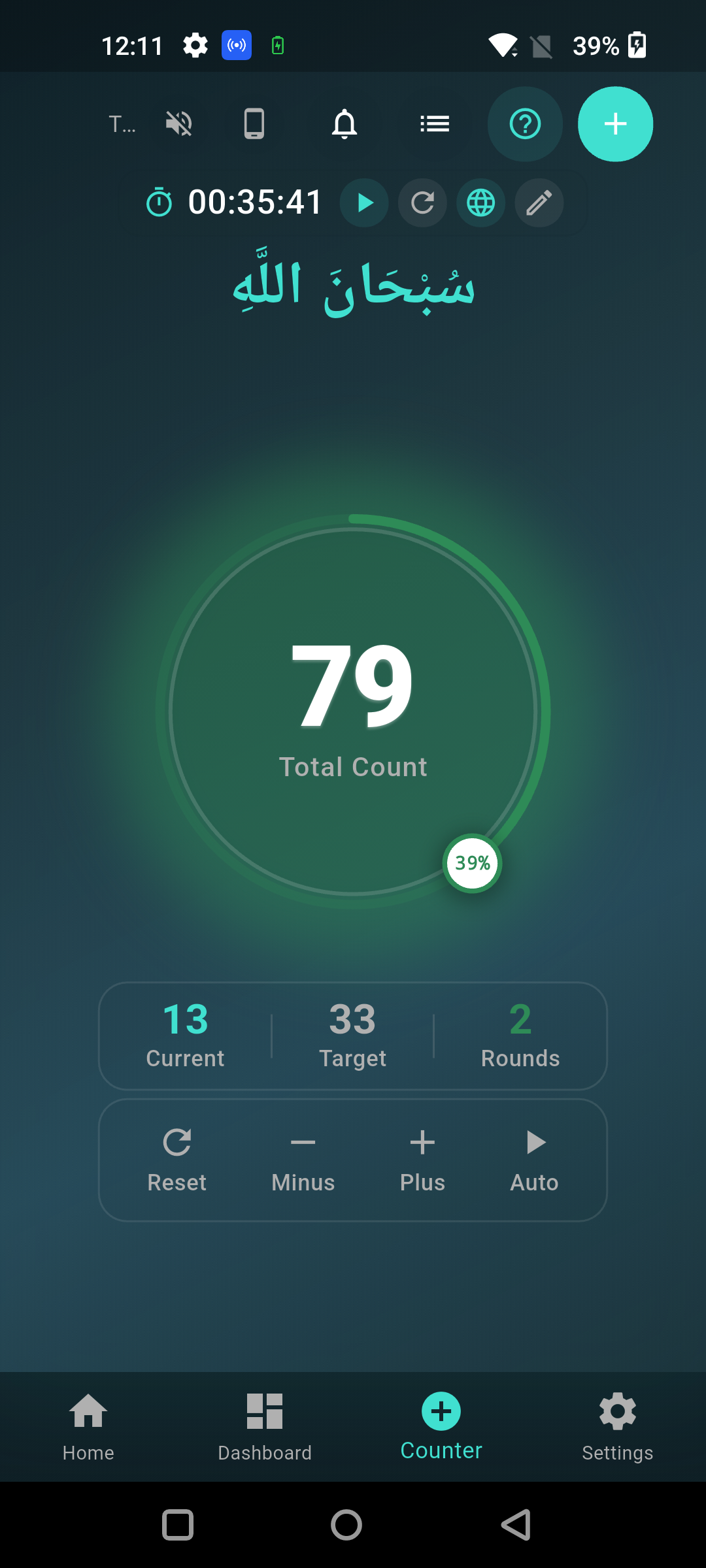
Does Volume-Button Counting Work With the Phone Screen Off?
In many counter apps, yes — as long as the app is running in the background (not fully closed), volume button presses can still register as counts even with the screen locked, though this depends on how the specific app implements the feature and your phone's OS restrictions on background apps.
Screen-off counting is the most useful version of this feature, since it means you genuinely never need to look at or unlock your phone during a counting session — check an app's settings or documentation to confirm whether background counting is supported before relying on it.
Is Volume-Button Counting More Reliable Than Manual Beads?
Not inherently more reliable, but it solves a different problem — beads and finger counting work anywhere without a device at all, while volume-button counting is most valuable specifically when you have your phone with you but don't want to interact with the screen.
For a full comparison of when to use an app versus physical beads, see digital vs physical tasbeeh. Volume-button counting is essentially a middle ground — you get the tracking and history benefits of a digital counter with the discreetness of a physical clicker.
Can Volume-Button Counting Accidentally Change Your Phone's Volume?
Some apps intercept the volume button presses entirely while the counter is active, meaning the button functions purely as a counter input rather than adjusting media or ringer volume — check your specific app's behavior, since implementations vary.
If an app doesn't intercept the button properly, you may notice your phone's volume changing alongside the count — this is usually a sign the feature isn't implemented cleanly, and it's worth checking app reviews or settings for this before relying on it during quiet settings like a mosque or meeting.
FAQ
Does volume-button counting drain my phone's battery faster? Not meaningfully — the feature just listens for button presses while the app is active, which uses negligible additional power compared to normal screen-on app use.
Can I switch between volume-button counting and tapping the screen in the same session? In most apps that support this feature, yes — both input methods typically update the same running count, so you can switch depending on the situation without losing your place.
Will volume-button counting work if I'm using headphones or a Bluetooth device? It depends on the app and device — some Bluetooth headsets have their own volume controls that may not route through to the phone's physical buttons, so test this combination before relying on it.
Is this feature available on both Android and iPhone? Support varies by app and platform — iOS has stricter background-process rules than Android, so screen-off, background volume-button counting is more commonly and reliably supported on Android.
What's a good alternative if my app doesn't support volume-button counting? Finger counting is the most reliable hands-free, device-free alternative — see how to count tasbeeh on fingers for the traditional method that works anywhere, no phone or beads required.
Count Hands-Free With Volume Buttons
If you want to count dhikr without looking at your screen, download the free Tasbeeh Counter app — it supports volume-button counting so your phone can stay in your pocket while your count keeps going.